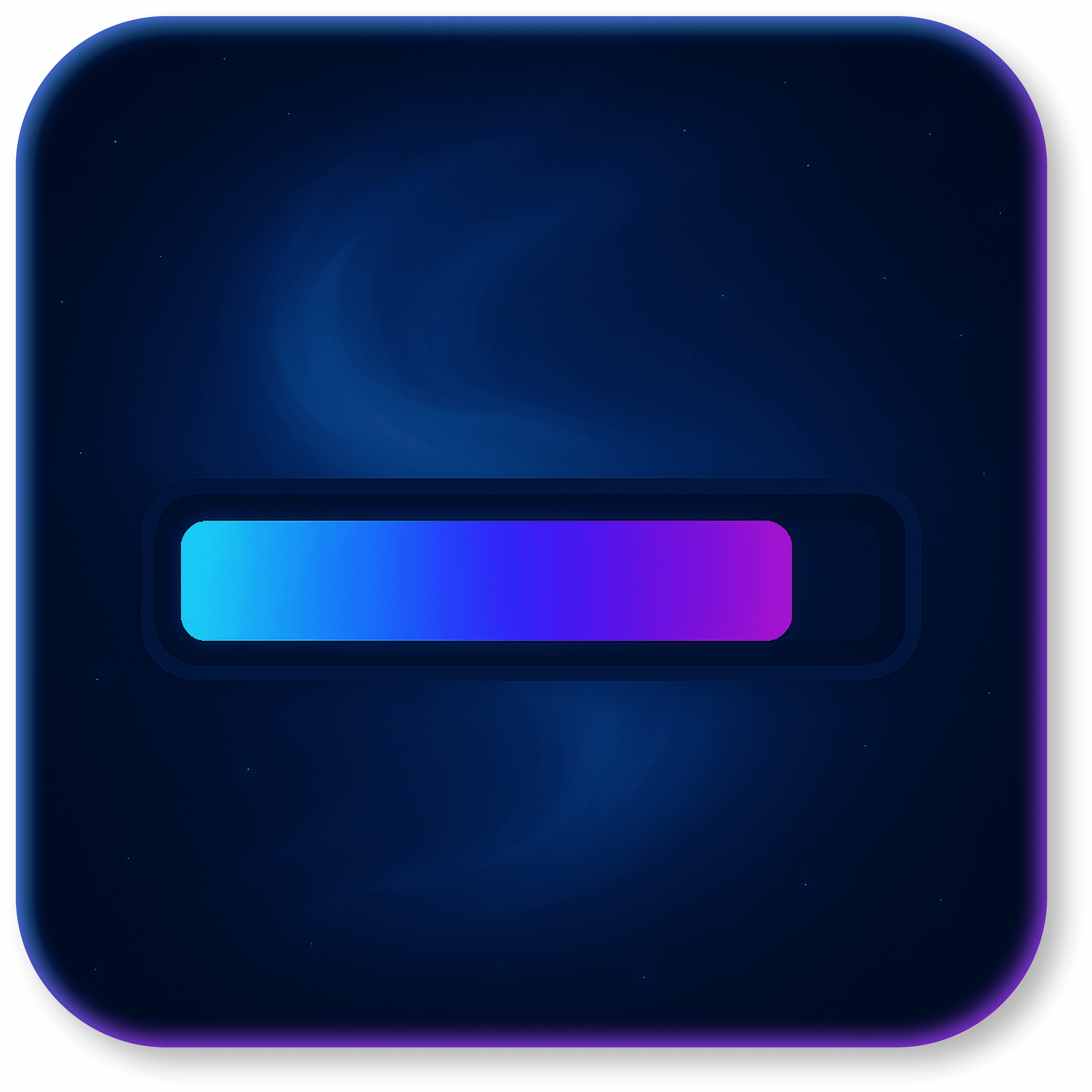
Gradient Progress Bar
38
Overview
The Nebula – Gradient Progress Bar adds modern progress bars with gradient effects and fluid transitions. Ideal for displaying loading states, goals, and task progress with a consistent, professional visual style.
How It Works
Progress Value (%): controls the bar fill level in real time.
Custom Gradient: define colors and direction for the effect.
Flexible Sizing: adjust thickness and width to match your layout.
Smooth Corners: enable rounded edges for a polished look.
When to Use
Progress tracking for tasks, goals, or multi-step flows.
Loading indicators and processing feedback.
Dashboards and status areas requiring visual appeal.
Benefits
Modern, animated UI that matches your app’s identity.
Full control through Bubble conditions and workflows.
Lightweight, responsive, and high-performance.
Key Features
Custom gradient color support.
Adjustable thickness and width.
Optional rounded corners.
Smooth, stable animations.
Installation
In the Bubble editor, go to Plugins → Add plugins and install Nebula – Gradient Progress Bar.
Add the plugin element to the page where the bar will appear.
Configuration
Progress Value: set the percentage (0–100) by fixed or dynamic value.
Gradient Colors: choose the gradient colors (e.g., #7F5AF0 → #22D3EE).
Thickness & Width: configure bar thickness/height and width as needed.
Rounded Edges: enable to soften corners.
Dynamic Updates
Use workflows to update the Progress Value based on user actions or app states.
Combine with conditions (e.g., change colors at 100%, display status labels).
Best Practices
Maintain proper contrast between the gradient and the background.
For natural perception, update progress in small increments (5–10%).
Avoid overly long animations in continuous loops.
Troubleshooting
Bar not updating: verify the value is between 0 and 100.
Unexpected colors: confirm valid hex color formatting.
Stuttering/lag: reduce animation duration or lower update frequency.
Compatibility
Fully compatible with Bubble’s Responsive Engine.
Works on desktop and mobile.